
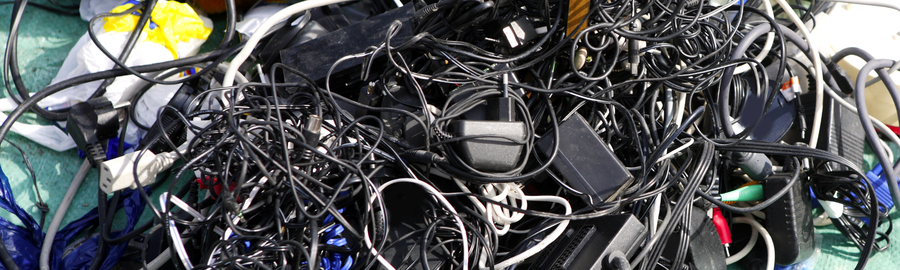
Most of us have a drawer somewhere that probably needs sorting.
Old receipts. Loose batteries. A few keys that nobody is completely sure about. A charger for something that left the house years ago.
It is not there because anyone made a conscious decision to create clutter. It just happened. Something got put there because it might be useful one day. Something else had no obvious home. Then, over time, the drawer became the place where things stayed.
The trouble starts when you open it looking for one simple thing and have to rummage through everything else first.
The same thing can happen in a practice management system.
A patient system is meant to collect information. That is the point of it. New patients are added. Existing patients come back. Appointments are booked, moved, cancelled and rearranged. Notes are written, details change, forms are completed, and the system gradually becomes a record of the practice’s working life.
That record is important.
But after a few years, the everyday view can start to feel crowded. Current patients sit alongside people who have not attended in years. Similar names appear in long lists. Old details are still there. Historic records sit beside the ones the team are using every day.
None of this means the system is wrong. It is usually just full.
And because it builds slowly, it is easy not to notice until the small irritations become familiar.
A search takes a little longer than it should. Someone slows down to check they have clicked the right patient.
The list feels busier than it needs to. The system still works, but it feels more awkward than it used to.
That is often how digital clutter shows itself. Not as a major problem, but as a bit of friction that keeps appearing in the background.
Archiving inactive patients is a simple way to make the system easier to work with again.
It does not mean removing the history of the practice. It does not mean deleting information that may be needed later. It just means that patients who are no longer active are not sitting in the middle of the day-to-day list.
A bit like sorting that drawer, really.
Some things are kept. Some things are moved somewhere more sensible. Very little drama is involved. The space just becomes easier to use.
Most practice systems will never be perfectly tidy, and they probably do not need to be. But when the information in front of the team is clearer, the working day usually feels a little smoother.
Sometimes that is enough.